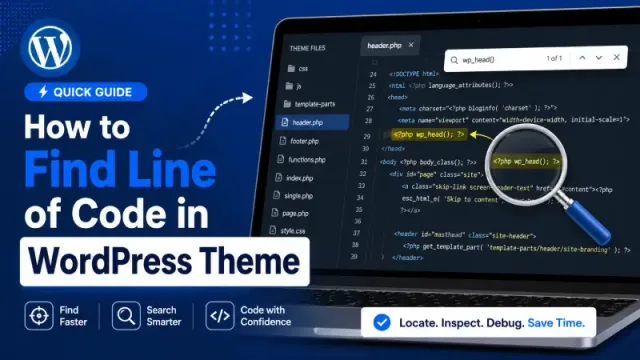
If you are new to customizing WordPress themes by following online tutorials, you may often need to quickly find and edit code from themes WordPress, but you may not know which theme file contains the code you want to modify.
Simple WordPress themes are usually quite easy to inspect and search through. However, a complex theme with many built-in features can include a large number of files and folders. So, how can you find the exact code snippet you want to edit?
It is not too difficult. In this article, I will show you how to find a code snippet in any WordPress theme.
1. Ask the Theme Author
Talk to your theme author about the best way to customize their theme according to your needs, without losing your changes when the theme is updated.
However, not every theme author is always willing to communicate and help you. But if you purchase a premium theme from providers such as ThemeForest, GeneratePress, Astra, Blocksy, and others, they are usually expected to provide dedicated support, at least during the first year.
That is why using a premium theme can be very beneficial.
2. Use the String Locator plugin
One of the best ways to search code on WordPress sites is the String Locator plugin. It is the quickest way to find which file an element is coded in, or the code you want to check. With String Locator you can find code in themes, plugins, even WordPress core files, and do it right in the WordPress admin dashboard. It is a very handy plugin.
Just navigate to Tools > String Locator, and enter the code you want to find in the Search string field, and the plugin will search all the theme and plugin files you have installed, and find the search phrase.
After you click on the Search button and wait a few seconds for the results, it will indicate the file, location, and line number of the code. You will be able to open that file for editing, and it will highlight your search phrase for you in that file.
3. Use Text Editor Software
Code text editors such as Sublime Text, VS Code, and others can also help you find line of code in WordPress theme files. However, you need to download the theme source code to your computer first.
When I first moved from Blogspot to WordPress, I did not know this method, so I used to open each theme file one by one just to find a specific piece of code. But over time, I became lazier, and thanks to this “bad habit,” I discovered one of the fastest ways to find line of code in WordPress theme files.